Welcome to Bellafy
A quick tour of what Bellafy is, what it does for your clinic, and the best path to get set up in under an hour.
Last updated: 2026-04-19
What is Bellafy
Bellafy is an all-in-one platform for beauty clinics and independent professionals. From a single dashboard you run your agenda, your services, your client database, your loyalty program, and your clients' own branded mini-app.
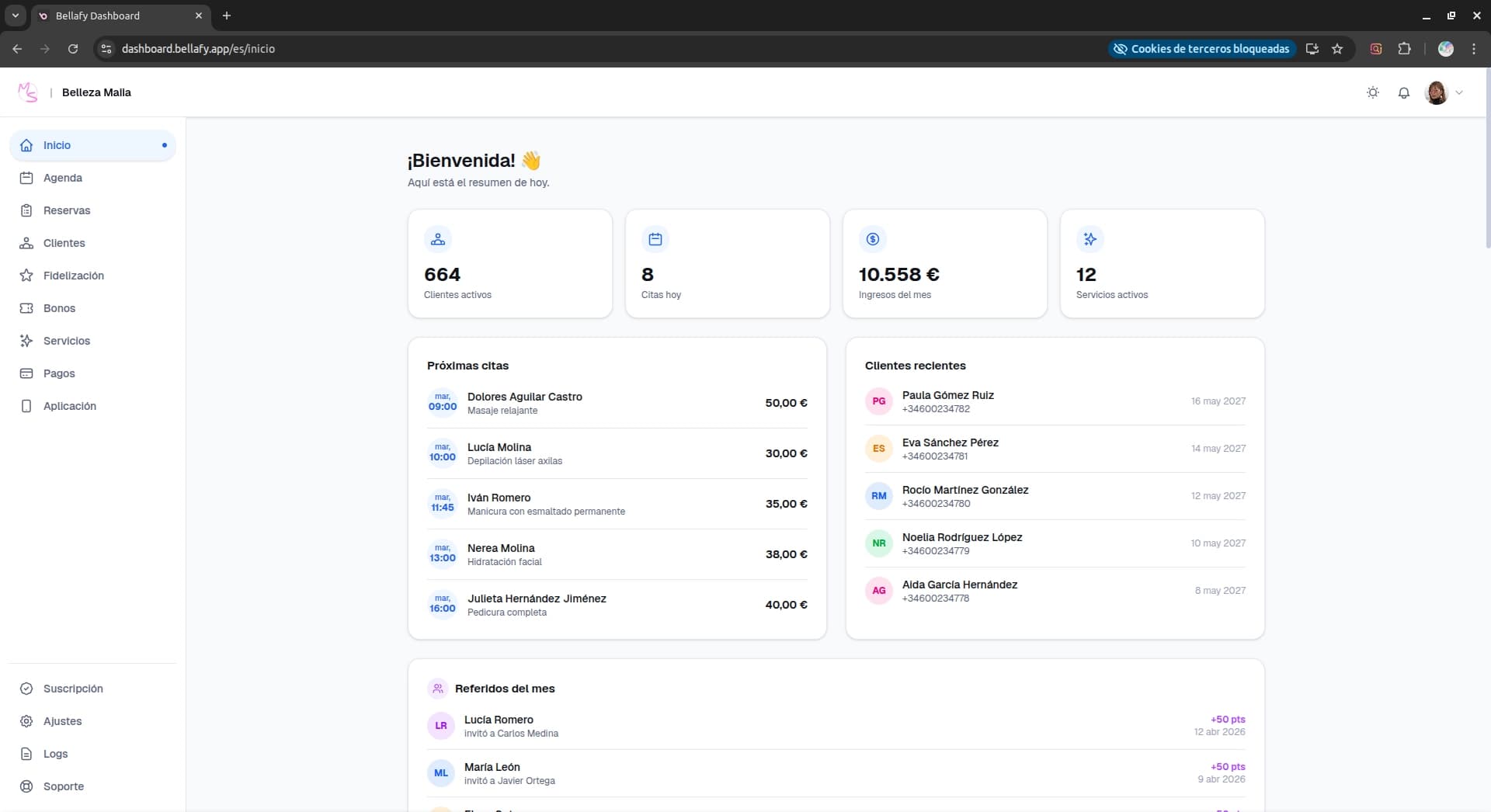
Your clients don't need to learn anything new. They install a Progressive Web App (PWA) that carries your branding, where they can book, pay, buy vouchers, check their points, and receive push notifications — all without downloading anything from an app store.
What you can do with Bellafy
- Accept online bookings 24/7 from your own branded mini-app.
- Charge deposits or full payments with Stripe, with automatic refunds on cancellations.
- Sell and redeem pre-paid vouchers (bonos) to lock in revenue and boost retention.
- Run a points-based loyalty program with rewards, coupons, and referral bonuses.
- Send push notifications to clients who opted in — promotions, reminders, or last-minute openings.
- Keep a centralized client database with booking history, notes, and preferences.
Recommended setup path
If you're setting up Bellafy for the first time, follow these six steps in order. Each one links to a dedicated guide.
Install the dashboard
Add Bellafy to your desktop so it opens like a native app. It's optional but recommended — faster and distraction-free.
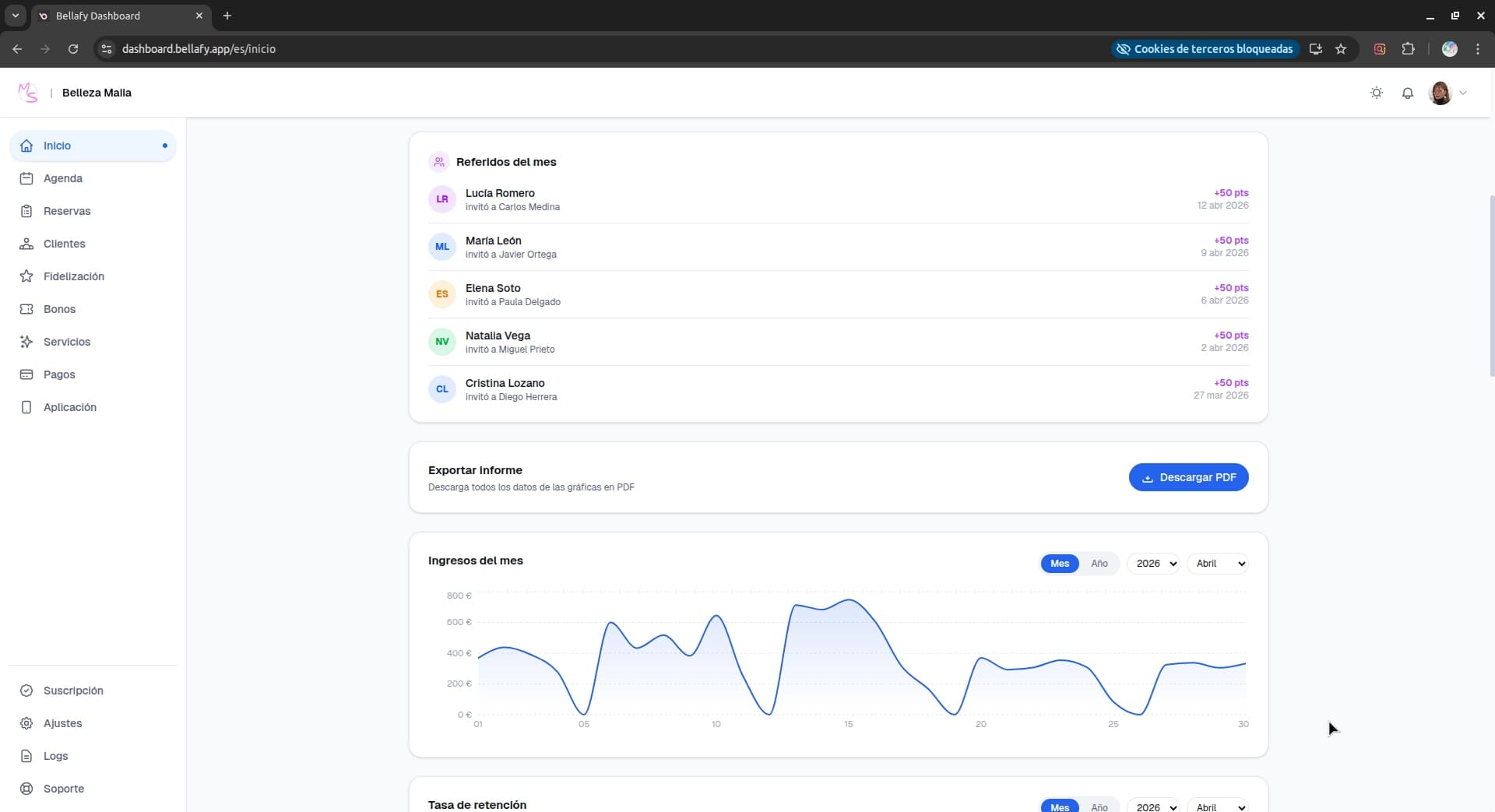
Set your business hours
Define when your clinic is open, your breaks, and the duration of your time slots. Without this, clients can't book.
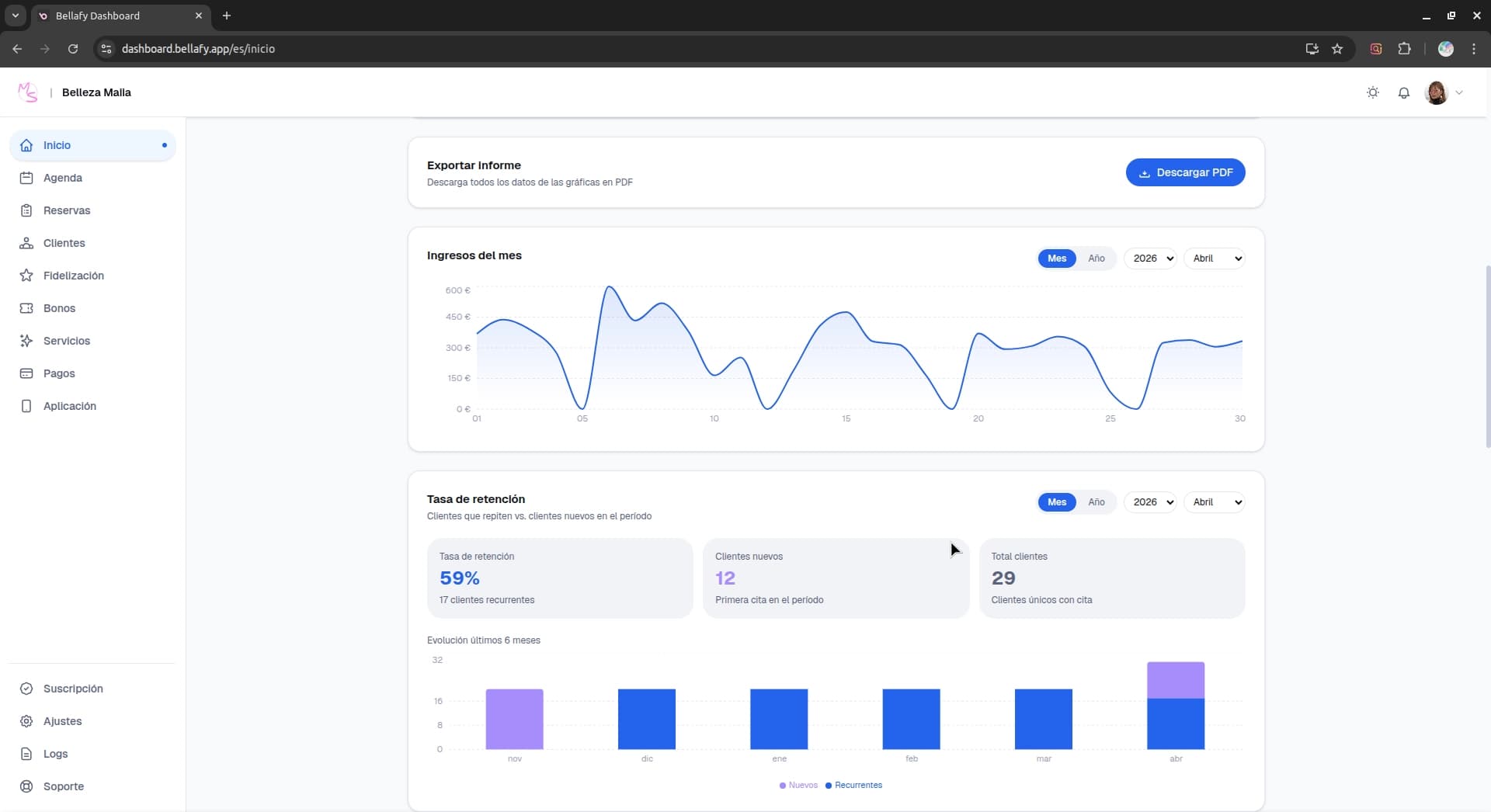
Create your services
Add the treatments you offer — name, duration, price, and cancellation policy. Each service can have its own booking rules.
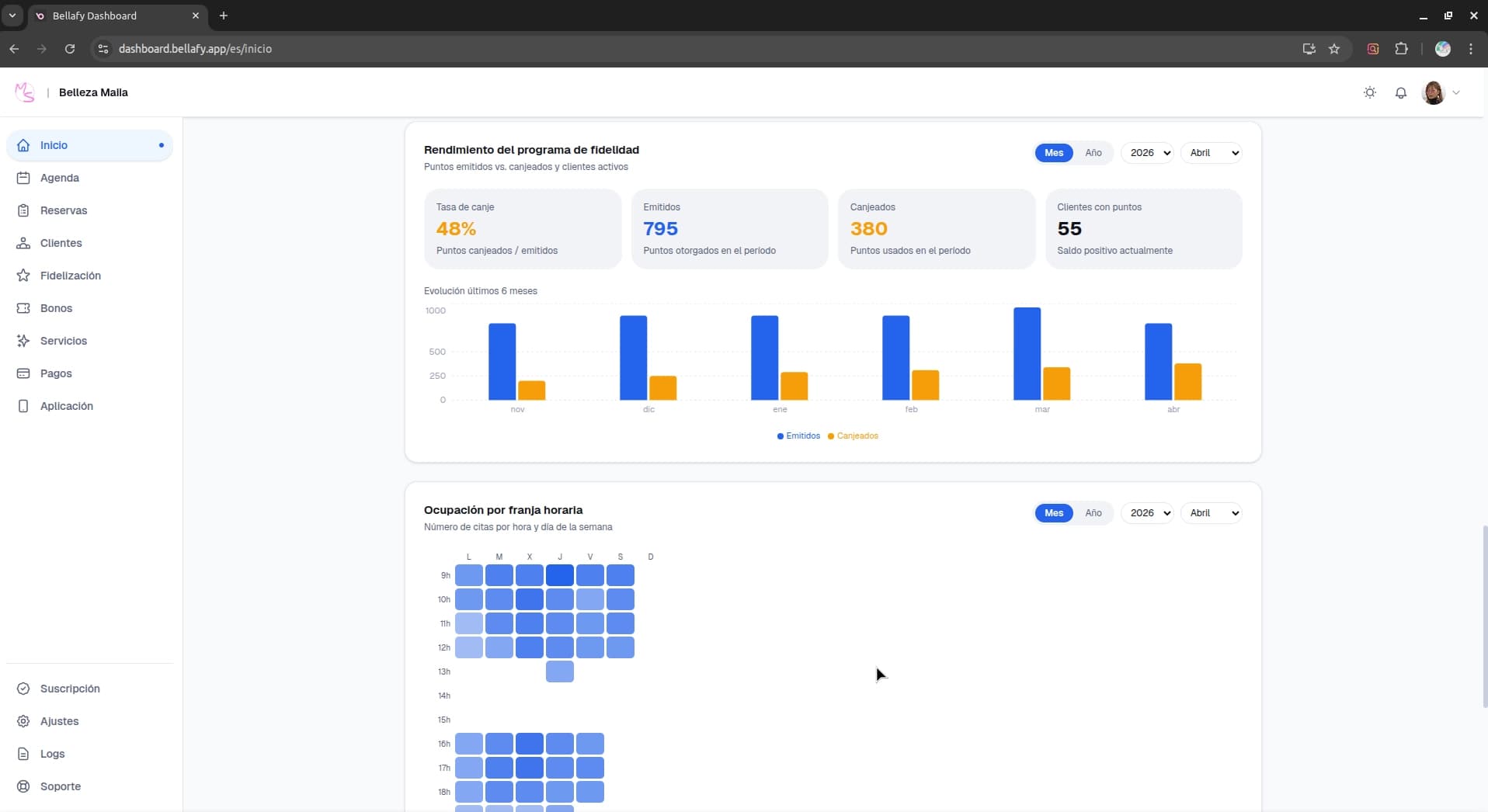
Connect Stripe (optional but recommended)
Connect your Stripe account to charge deposits or full payments online. This is also what enables vouchers and the loyalty coupon redemption flow.
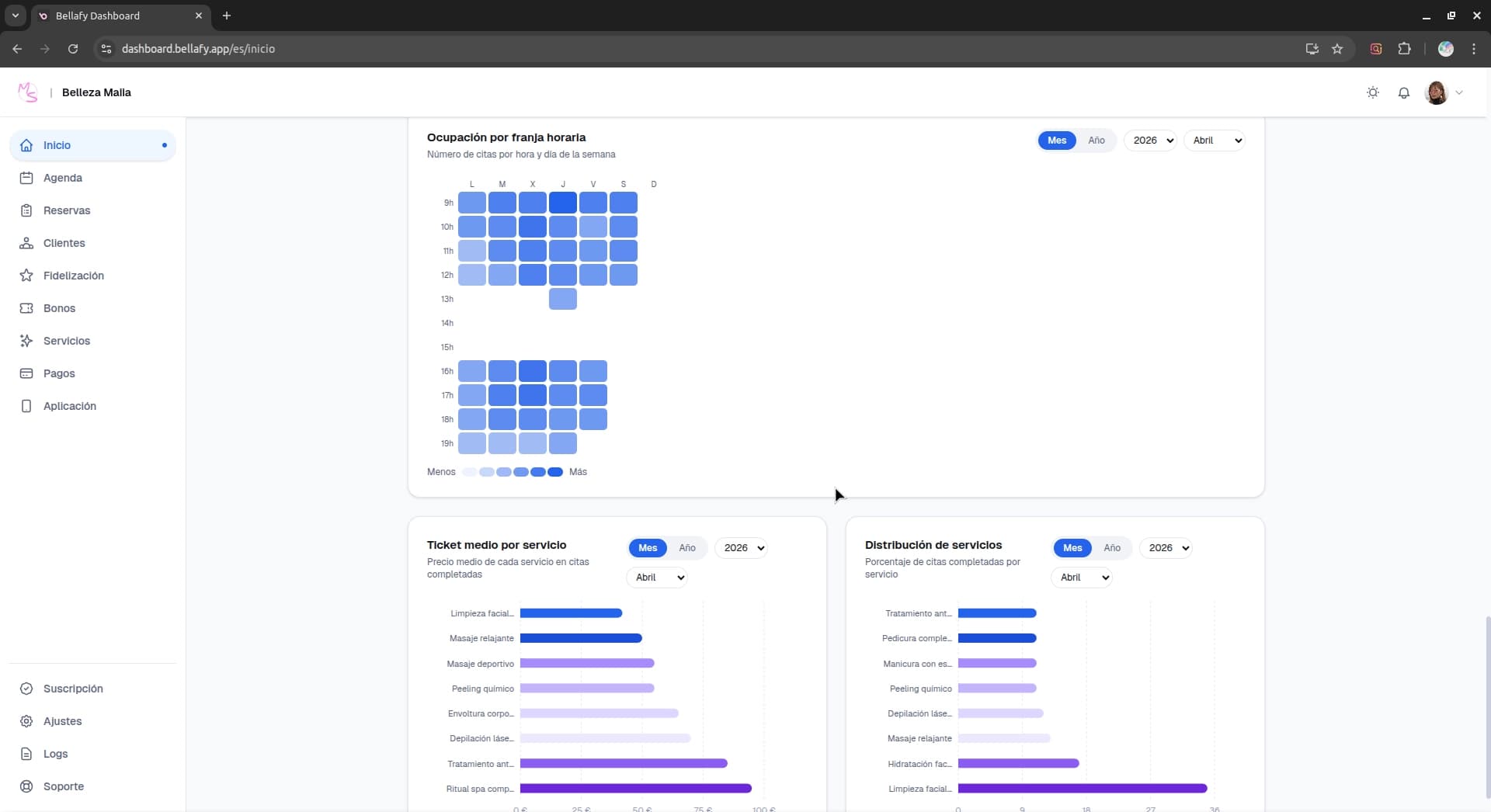
Customize your clients' app
Pick a theme color, upload your logo, and set up a welcome banner. Your clients will see your brand, not ours.
Need help along the way
If at any point you get stuck, email us at support@bellafy.app. We answer every message and we're genuinely happy to help with setup — especially during your first weeks.