Settings
Manage your profile, appearance preferences, security settings, and account deletion.
Last updated: 2026-04-19
Overview
The Settings page is where you manage your personal Bellafy account — the human behind the clinic. This is different from the clinic's public information (name, logo, theme), which lives in the Your clients' app section.
Profile
Your profile is the basic information associated with your login — your name, email, and contact details.
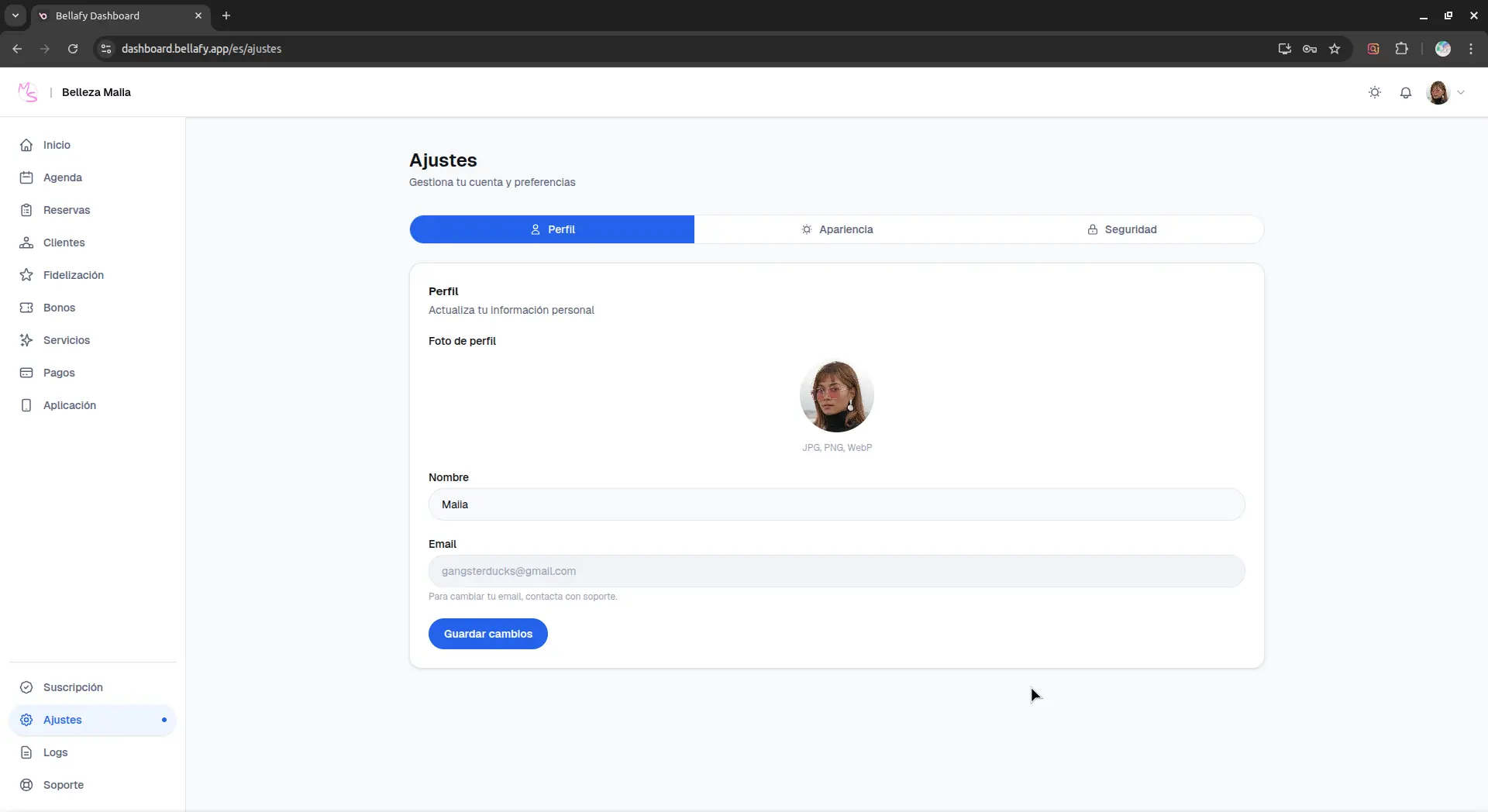
- Name: used in internal dashboards and in communications we send you (never shown to clients).
- Email: the address you use to log in. Changing it requires verifying the new address before the change takes effect.
- Language: the language of your Bellafy dashboard. This is independent of your clients' PWA language, which adapts to each client's device.
Appearance
Appearance settings affect how the Bellafy dashboard looks to you — they don't affect what your clients see.
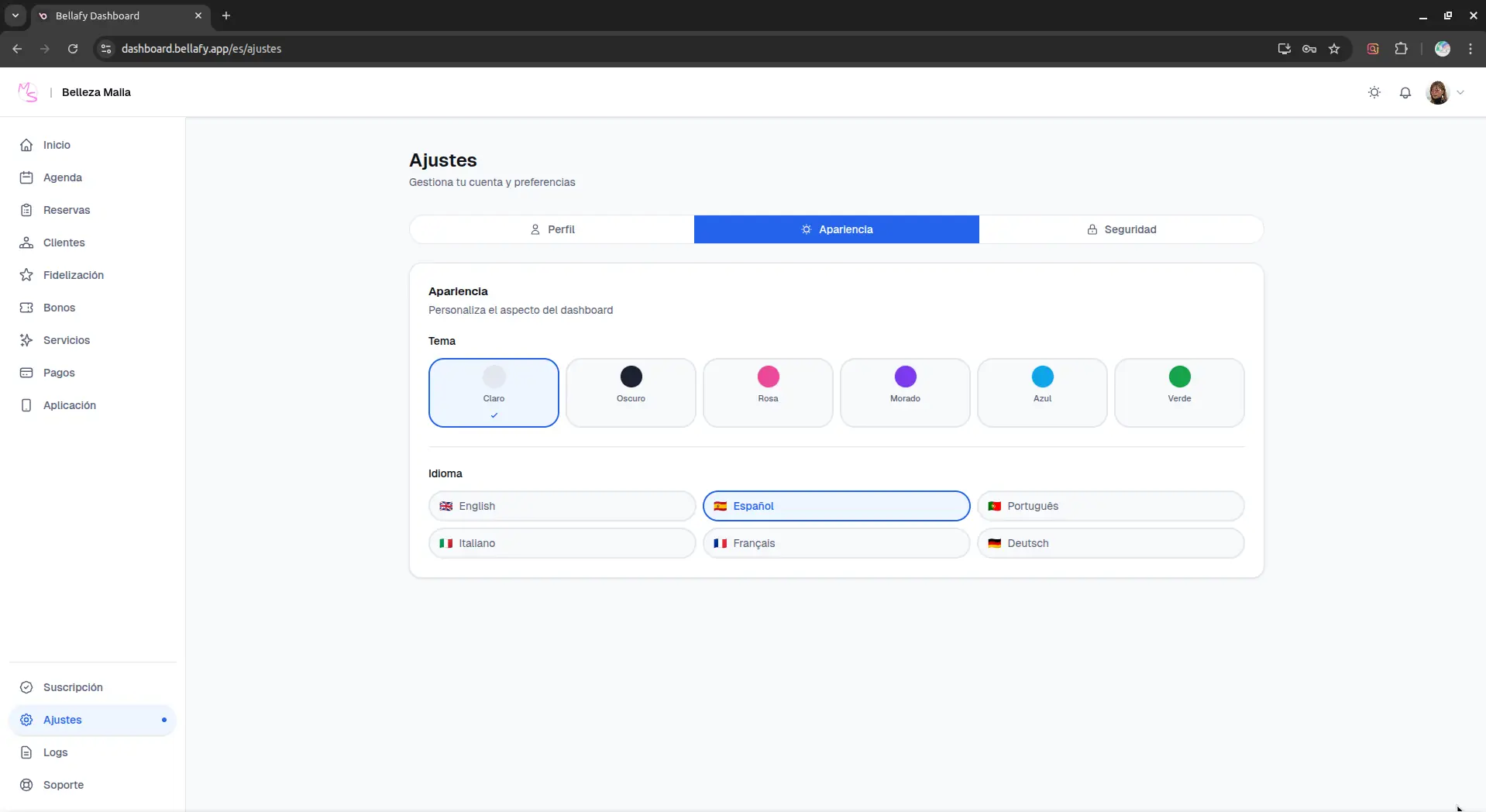
- Theme: light, dark, or follow system. Dark mode is useful if you work evenings and your eyes are tired of bright screens.
- Density: comfortable (more breathing room) or compact (more data on screen, better for large lists).
- Accent: a subtle accent color for links and active states in the dashboard.
Security
The security section is where you manage how your account is protected. We strongly recommend reviewing it within your first week and turning on two-factor authentication.
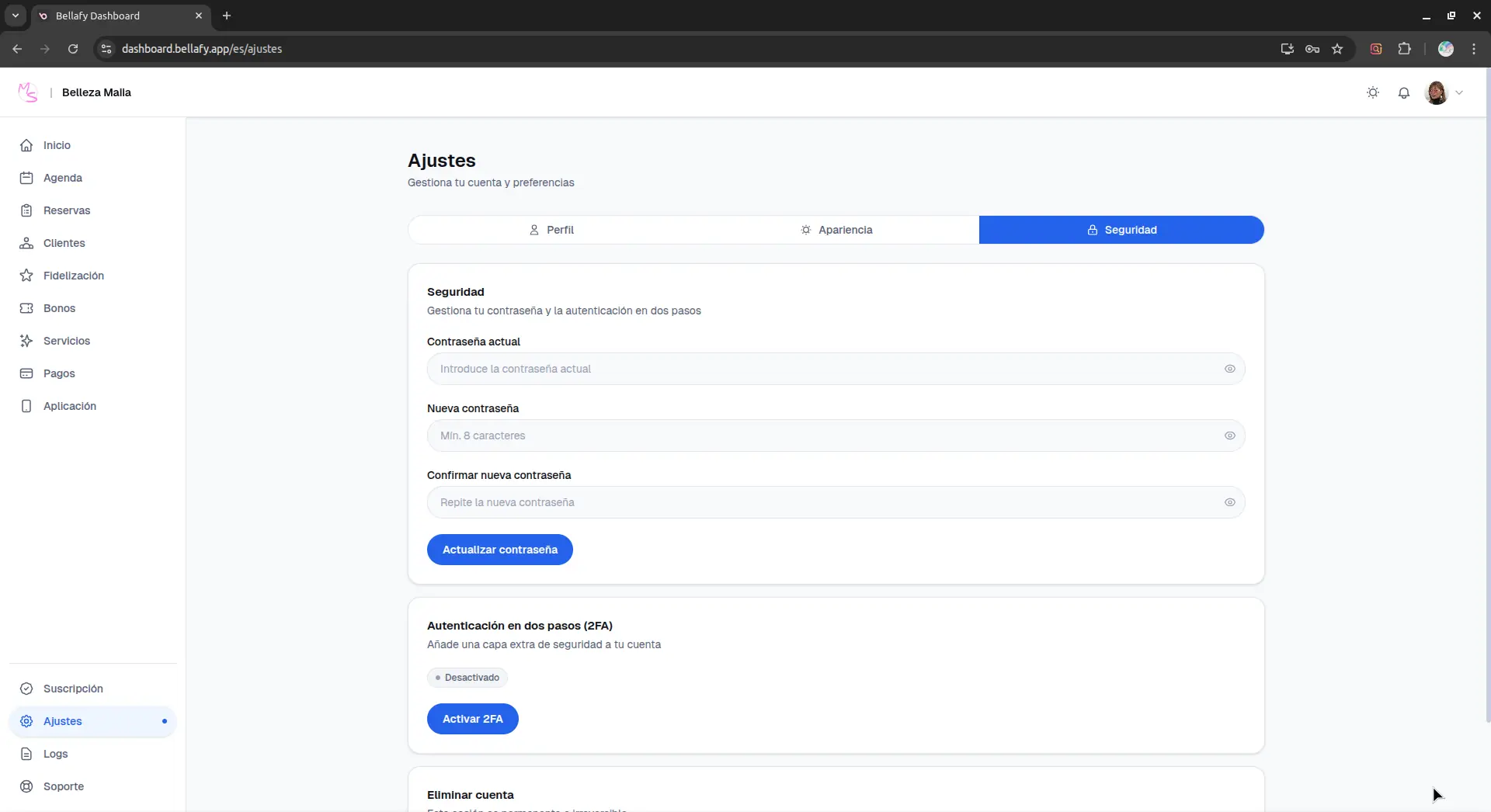
- Password: change your password at any time. New passwords must be at least 10 characters and include a mix of letters, numbers, and symbols.
- Two-factor authentication (2FA): adds a one-time code (from an authenticator app) in addition to your password. This is the single most effective protection against account takeover.
- Active sessions: see every device currently logged into your account. If you see something unfamiliar, revoke it immediately — this signs that device out.
- Login history: a timestamped list of recent logins, including IP address and device. Useful for spotting suspicious activity.
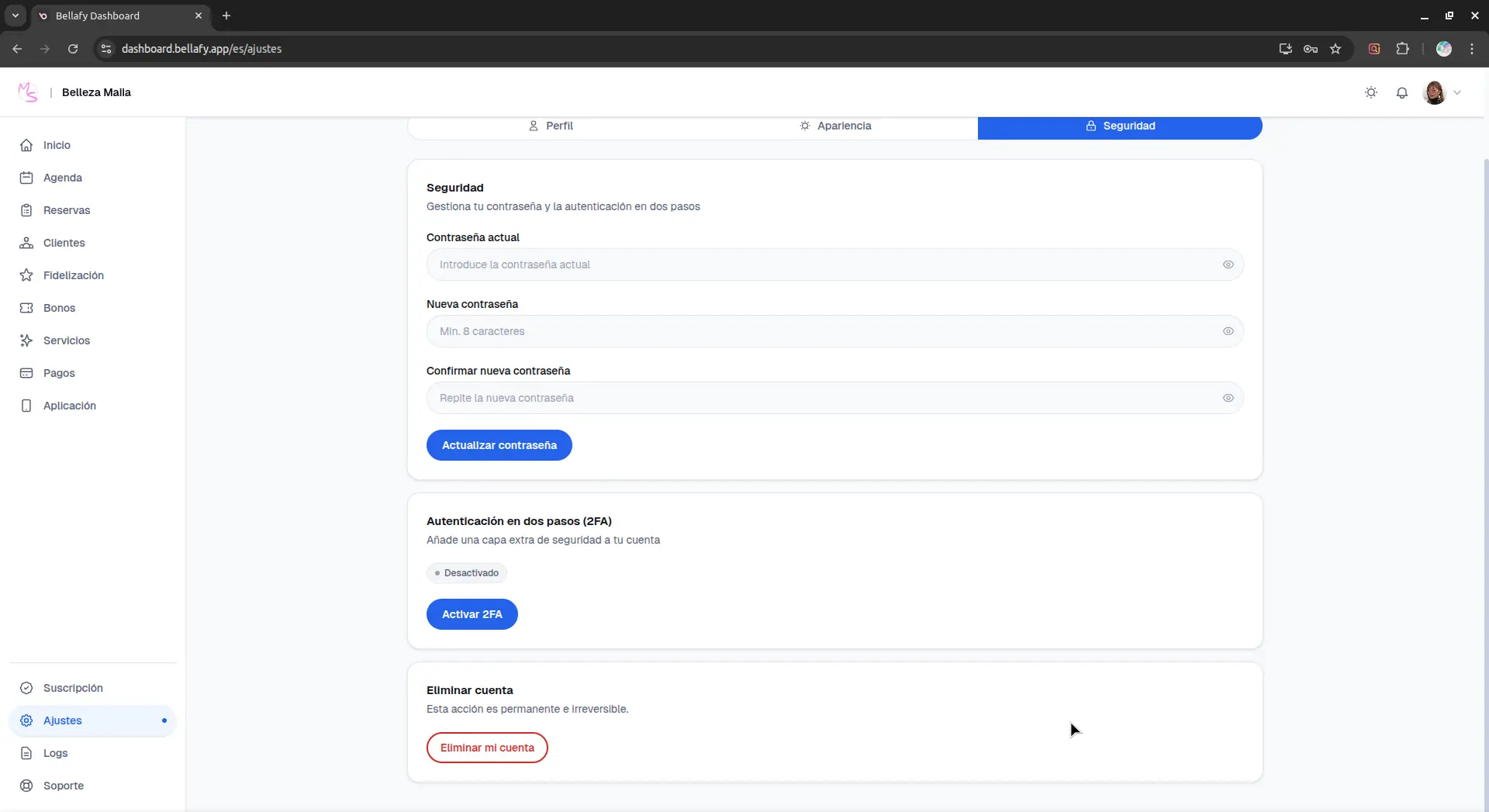
Deleting your account
You can delete your Bellafy account at any time from the bottom of the Settings page. This is different from cancelling your subscription — deletion removes the account entirely, while cancelling only stops billing and keeps data for a limited period.
- Export your data before deleting: from the Clients page you can export your client list as CSV, and from Reservations you can export your booking history.
- Notify your clients: delete their access to your PWA ahead of time so nobody tries to book an appointment after the clinic is gone.
- Cancel your Stripe connection: the Stripe account itself is separate from Bellafy and needs to be managed on Stripe's side if you want to close it.