Loyalty program
Points, rewards, coupons, push notifications, and referrals — everything you need to turn one-time clients into regulars.
Last updated: 2026-04-19
Why loyalty matters
In service businesses, 80% of revenue comes from returning clients. A loyalty program is not a "nice to have" — it's the difference between a clinic that lives off cold bookings and one with predictable, growing revenue.
Bellafy's loyalty program has four connected pieces: points, rewards, coupons, and push notifications. You configure them once and they run on their own.
Points
Points are earned automatically by clients when they complete a booking. You decide how many points are awarded per currency unit spent — the default is 1 point per $1 spent, but you can adjust it to anything that fits your math.
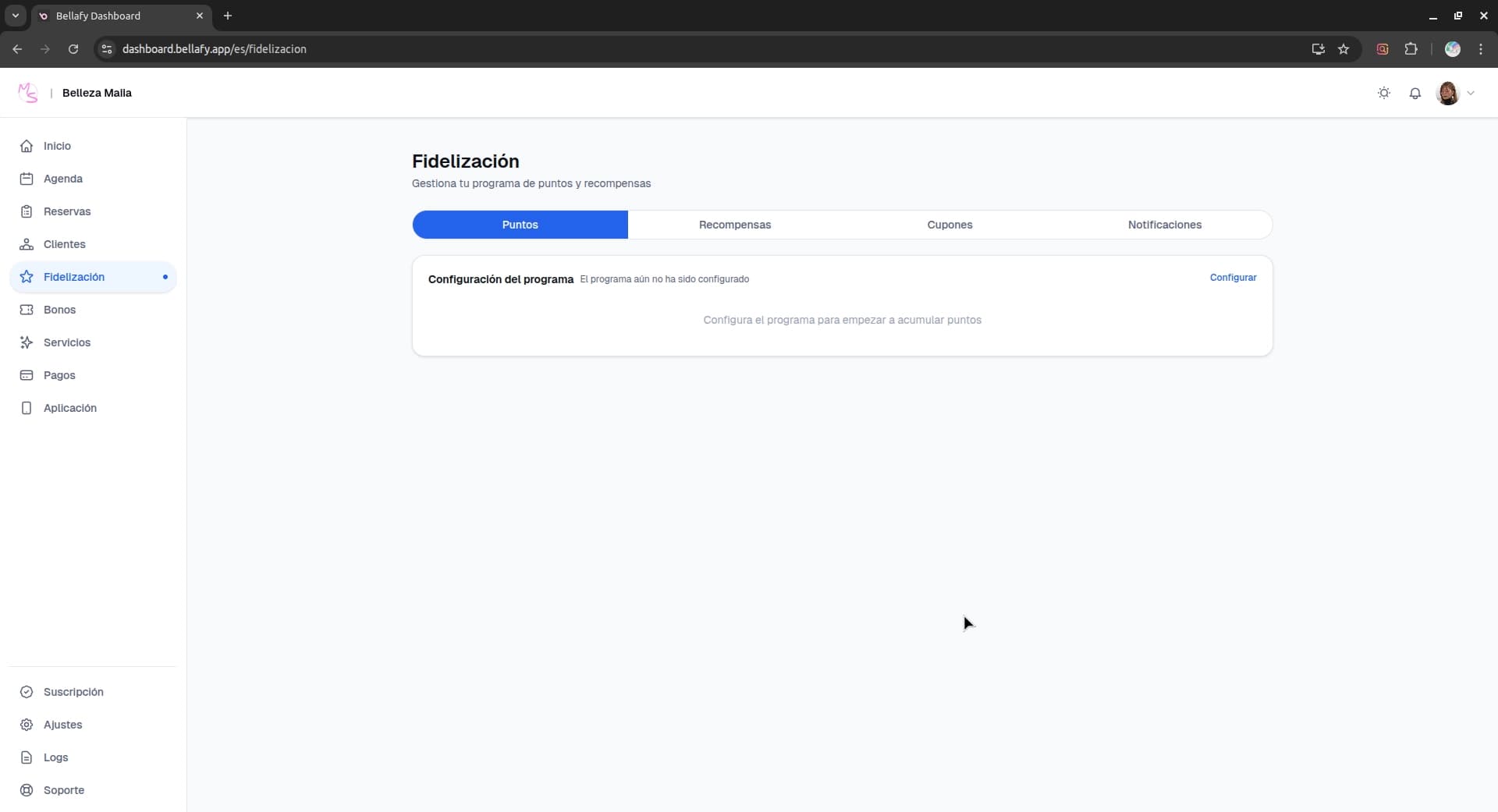
Set the earning rate
Decide how many points a client earns per currency unit. Common choices: 1 point = $1 (simple), or 10 points = $1 (feels more generous for the same value).
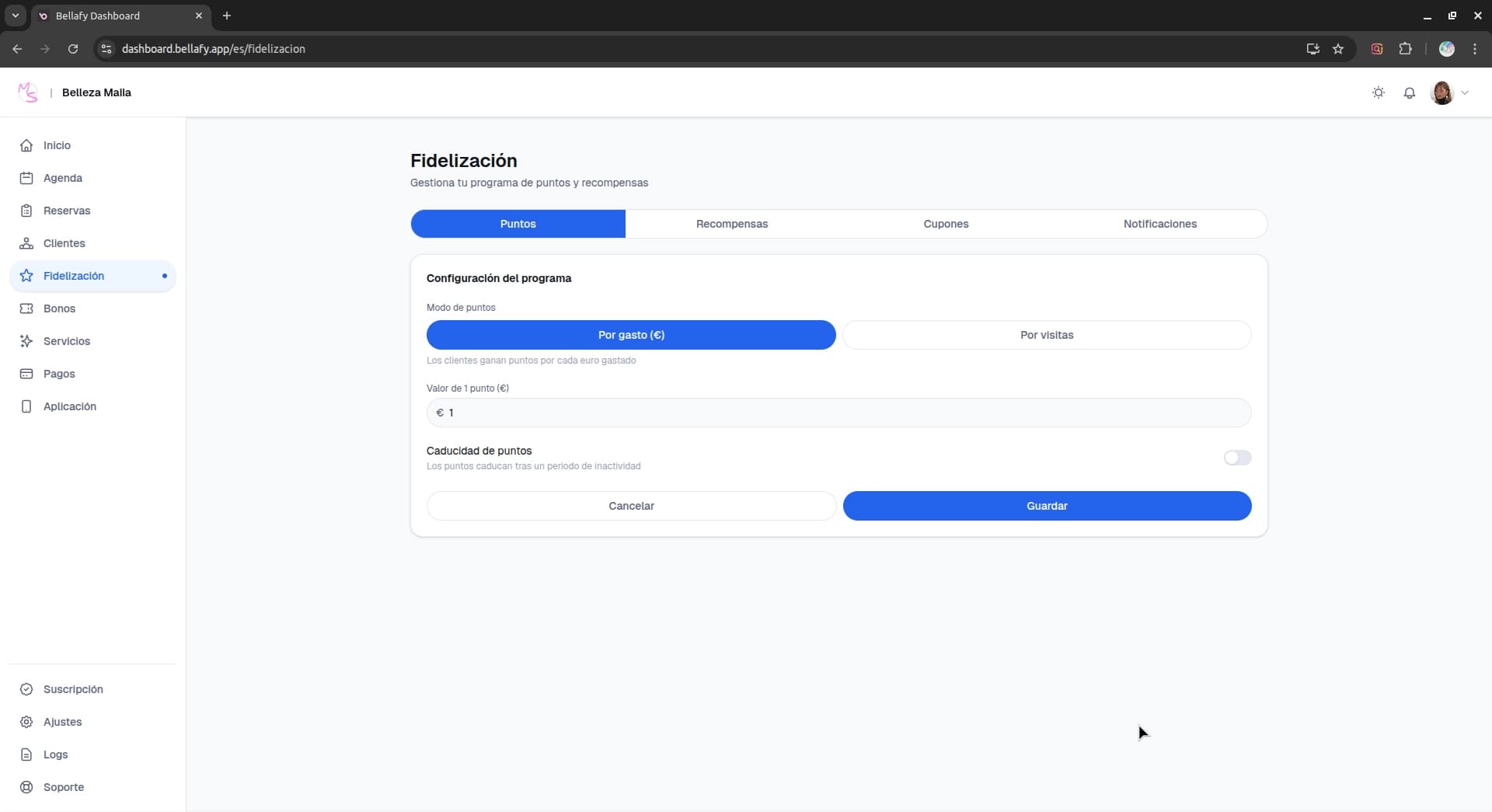
Decide what counts
Points are awarded when a booking is marked as completed. You can choose whether voucher redemptions also earn points, and whether partial payments (deposits only) count toward points.
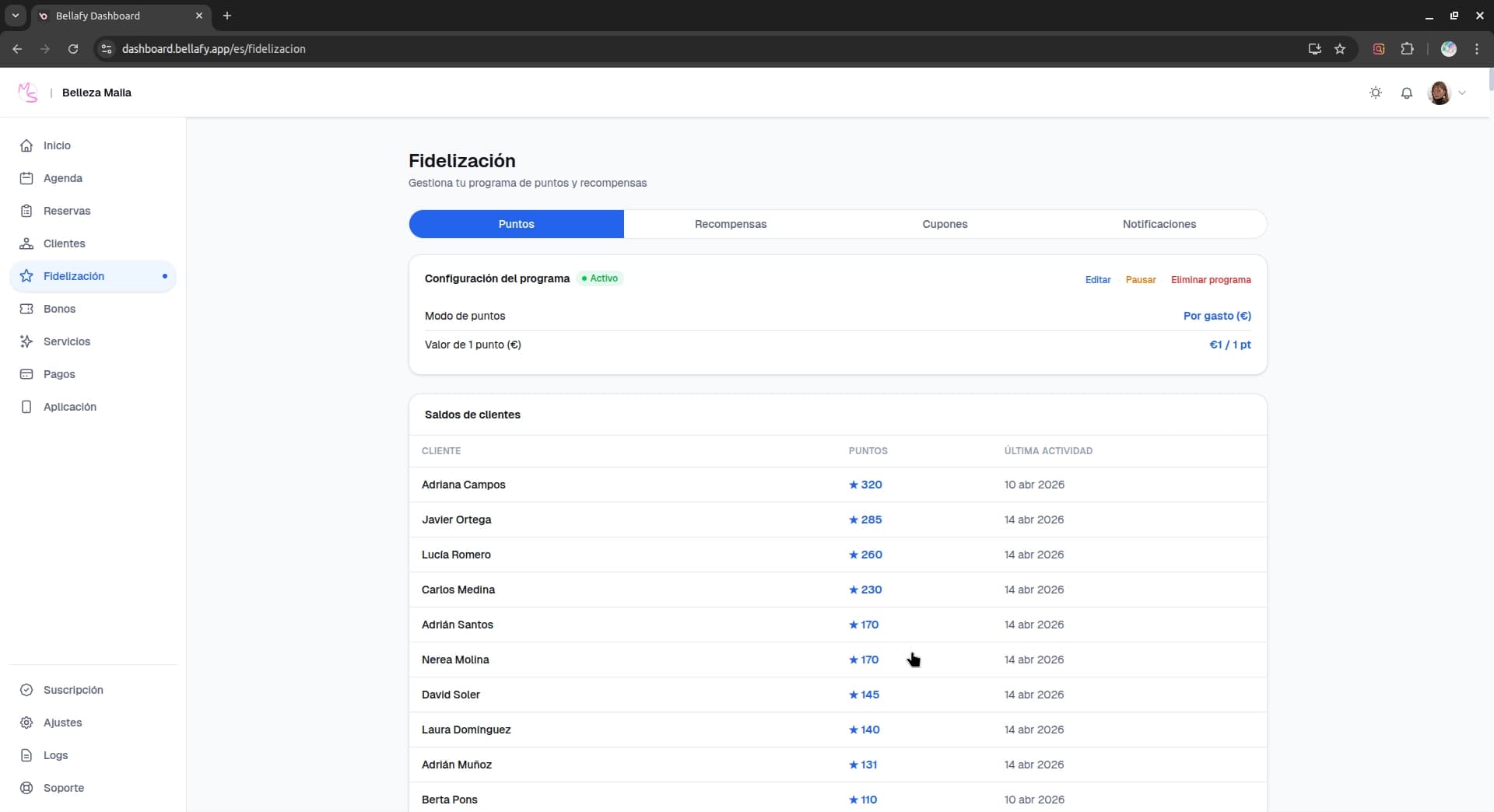
Rewards
Rewards are what clients can exchange their points for. A reward has a point cost and a value — for example, "500 points = 1 free express facial" or "1000 points = $25 off any service".
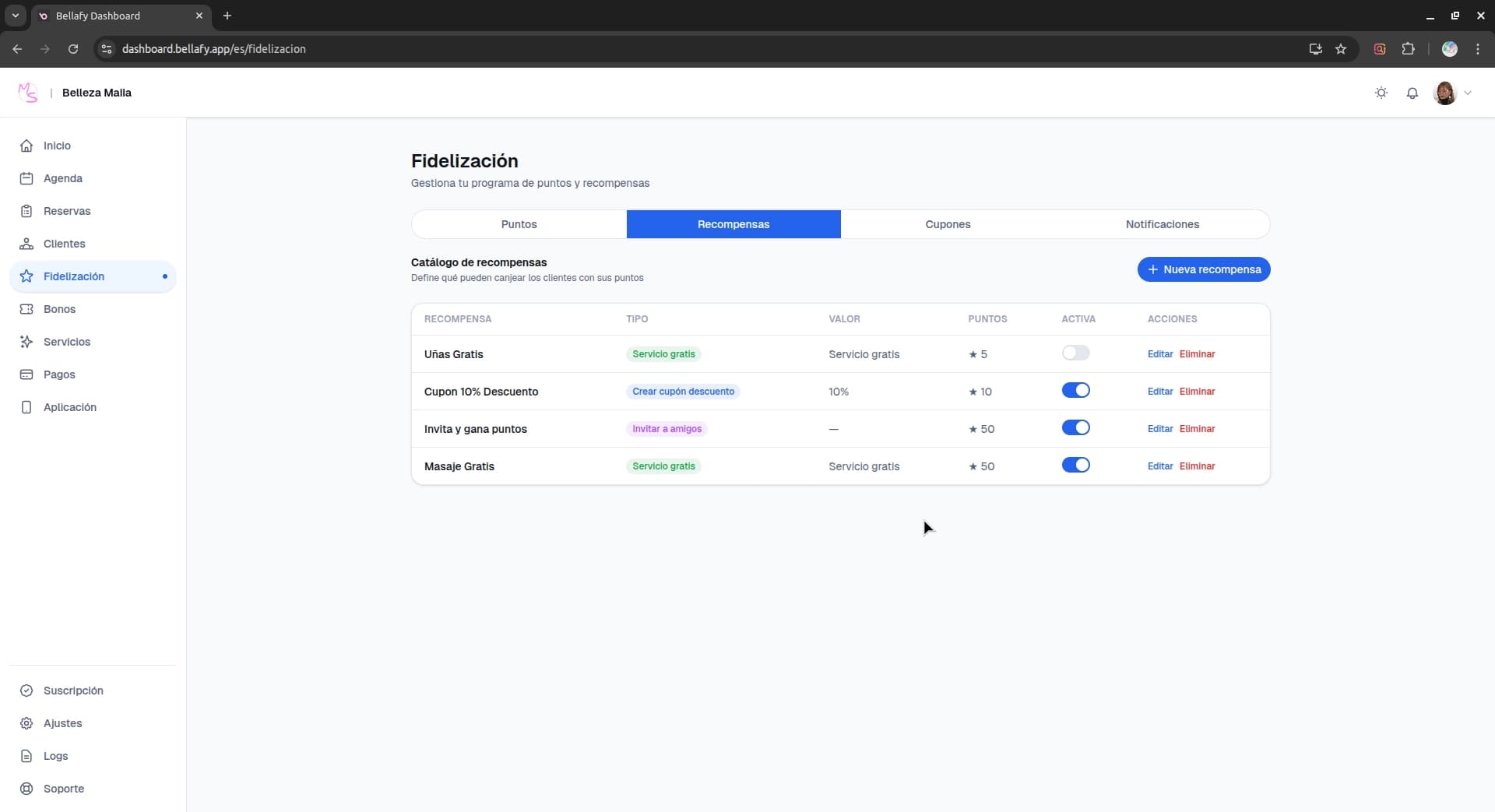
Click "New reward"
From the Loyalty → Rewards page, create a new reward.
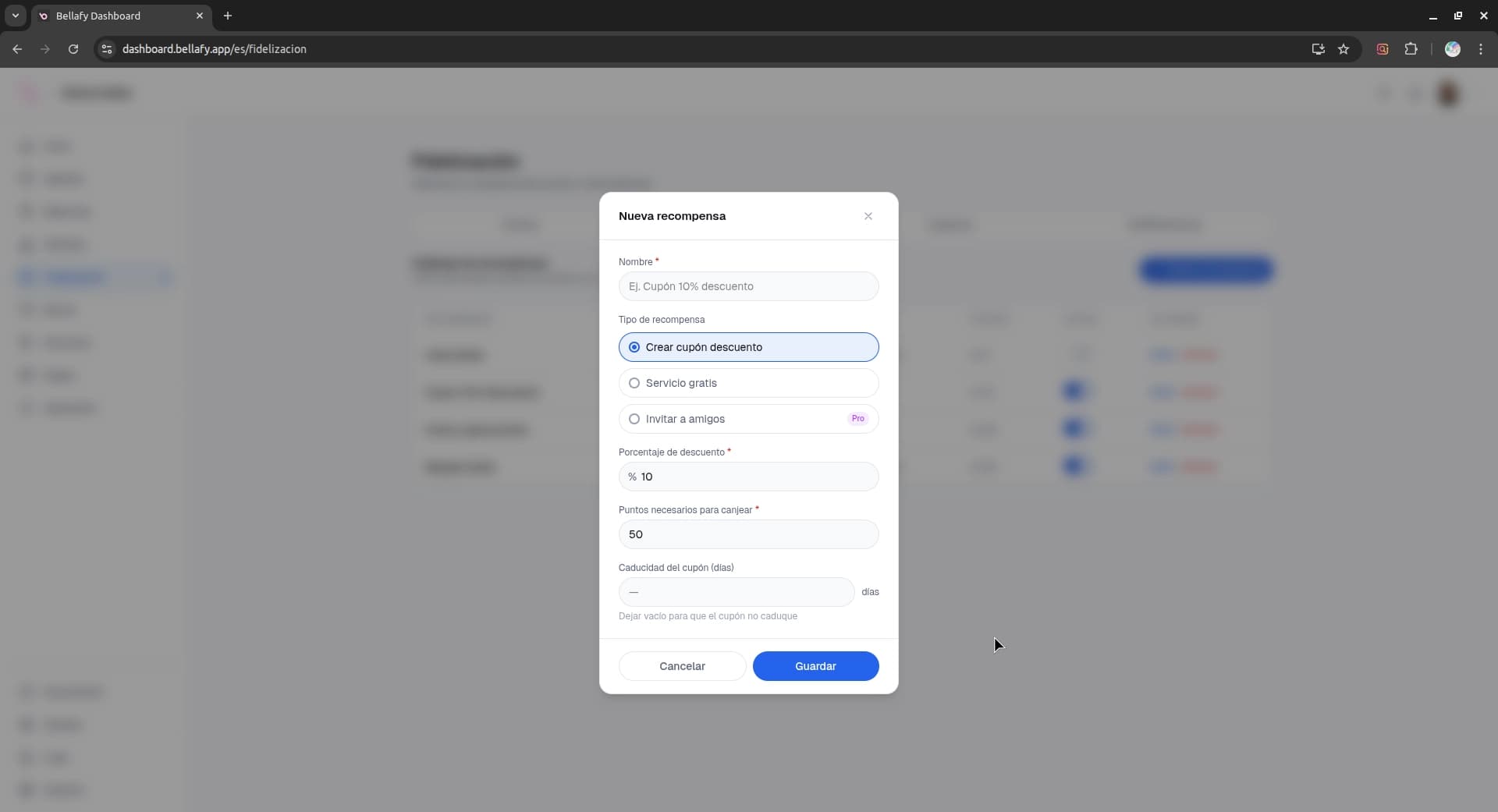
Choose the reward type
Two options: a specific service redeemable for free, or a discount amount applicable to any booking. Both are valid — free services feel more premium; discounts are more flexible.
Set the point cost
How many points the reward costs. Aim for a ratio that takes roughly 4–6 bookings to unlock — enough to feel aspirational, not so much that clients give up.
Coupons
When a client redeems a reward, the system generates a personal coupon in their account. They apply it at checkout the next time they book, and the discount (or free service) is automatically deducted.
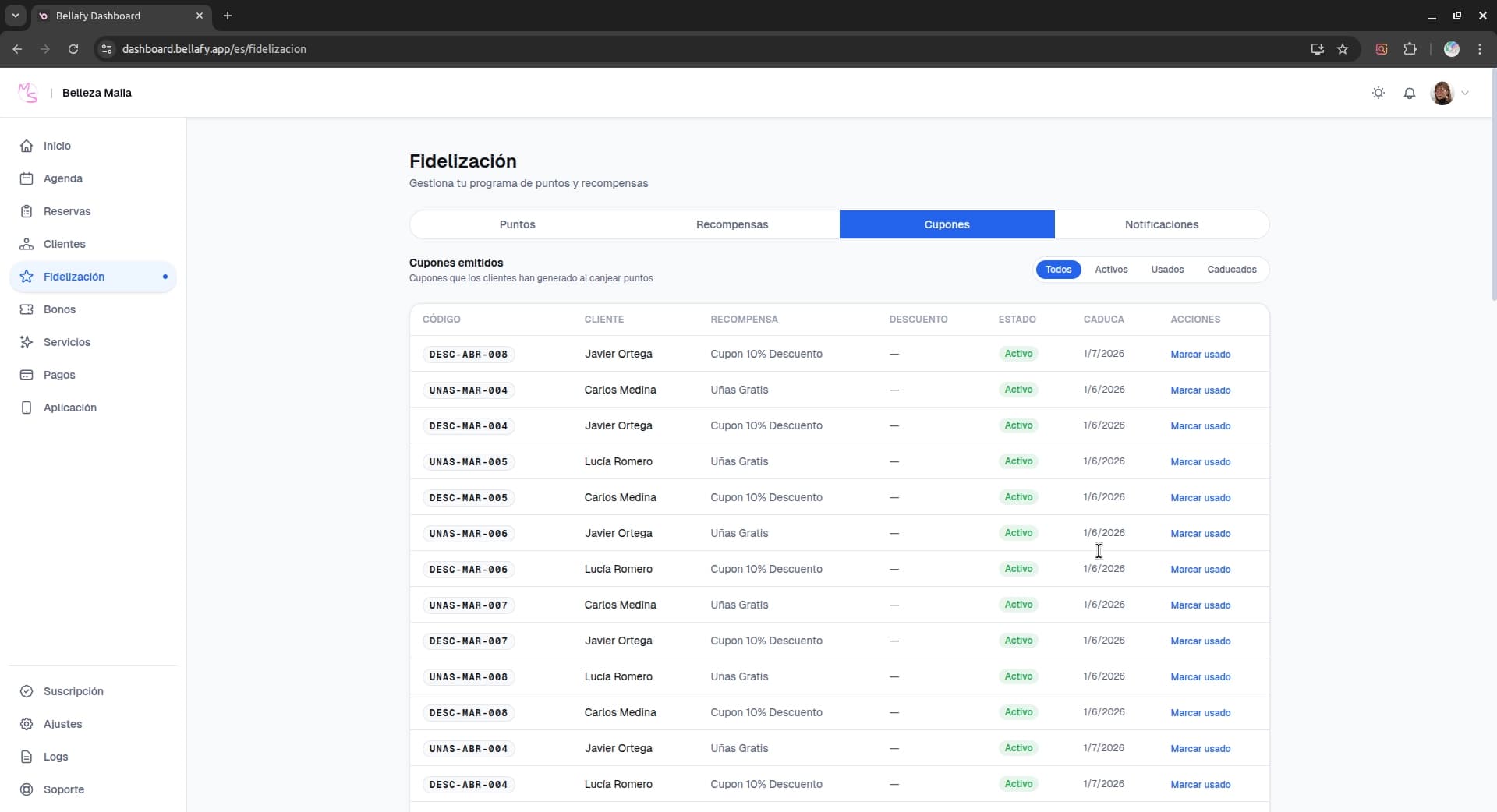
- Each coupon is tied to a single client and can only be used by them.
- Coupons have an expiration (you can configure the default validity window — 30, 60, or 90 days is typical).
- If a booking with a coupon is cancelled, the coupon returns to the client's account, unused.
Push notifications
Push notifications are your direct line to clients who installed the PWA and accepted notifications. They're dramatically more effective than email — typical open rates are 50–80% versus 10–20% for email.
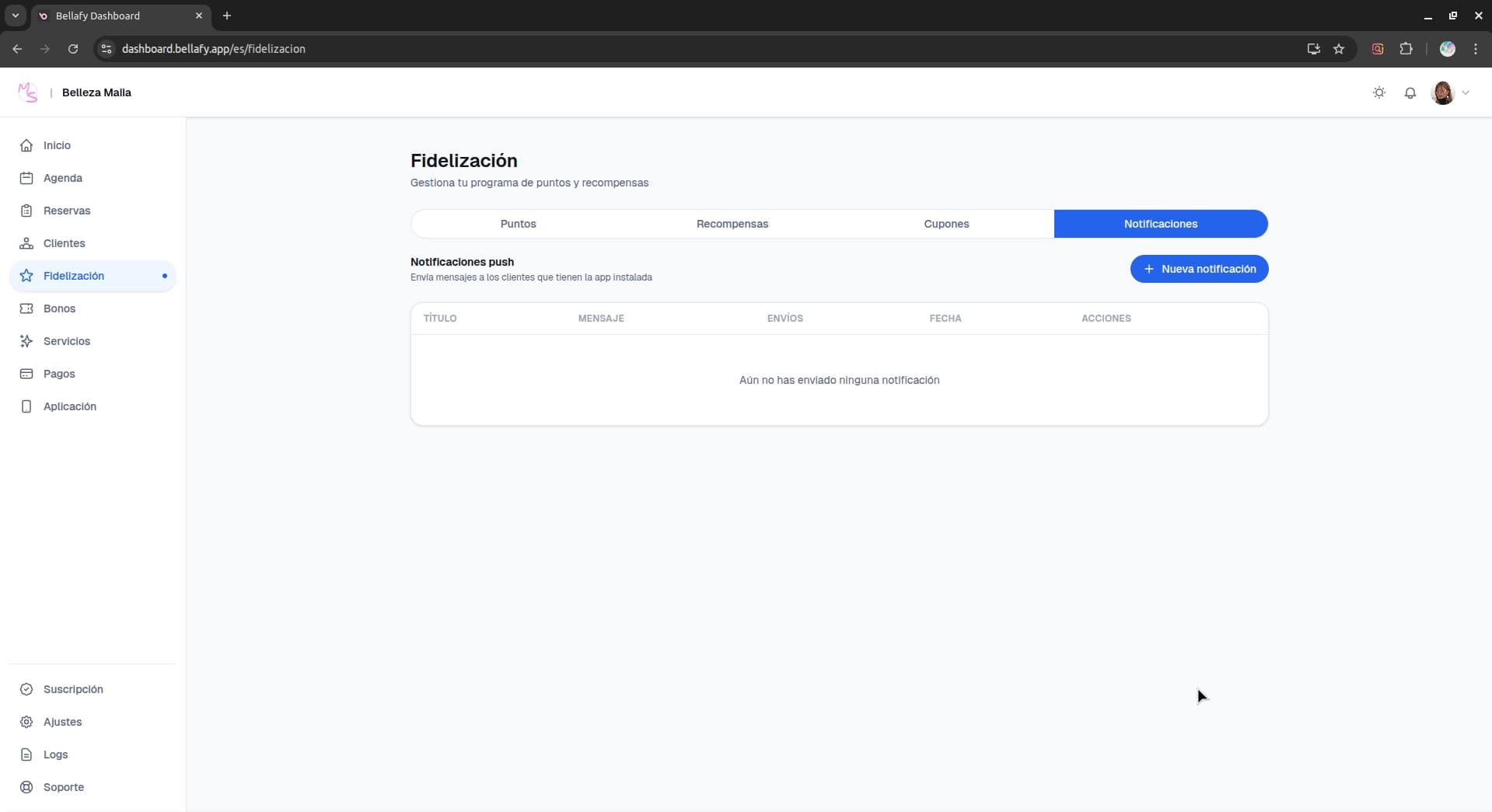
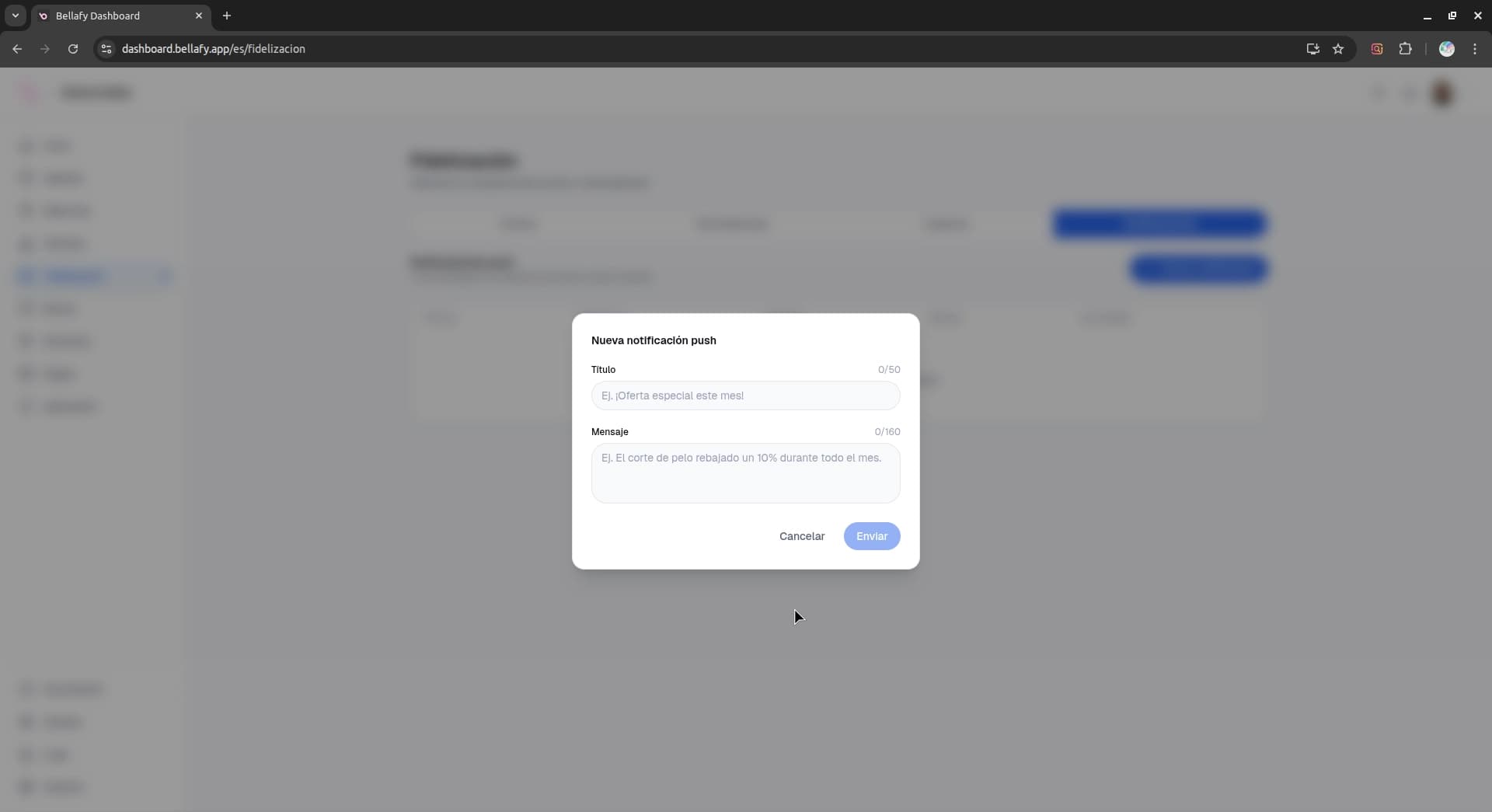
Click "New notification"
From Loyalty → Notifications, start a new campaign.
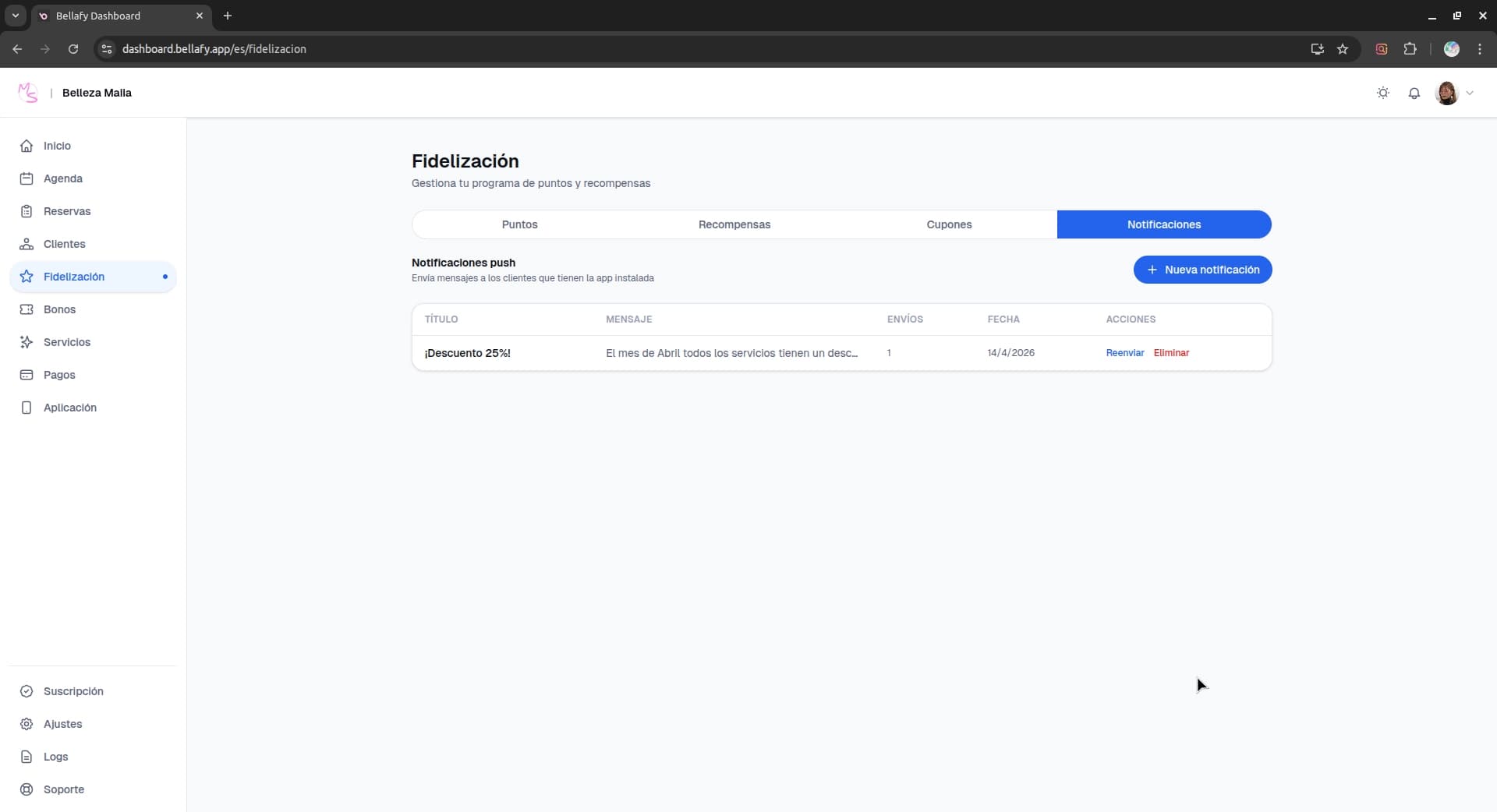
Write a title and body
Keep it short — titles cap around 50 characters, bodies around 120. One clear message, one call to action.
Choose who receives it
All subscribers, or a segment — for example, clients with points above a threshold, clients who haven't booked in 60 days, or clients near a reward tier. Segments are what turn a push from spam into relevance.
Send now or schedule
Send immediately or schedule for a specific date and time. Best results are typically mid-week mornings; weekends and late nights underperform.
Referrals
Every client gets a personal referral link from the Loyalty section of the PWA. When a new person registers through that link and completes their first booking, both the referrer and the new client receive a points bonus.
This turns every satisfied client into a micro-channel of acquisition — with zero ad spend. Most clinics see referrals become their #2 source of new clients within 3–6 months of launching loyalty.
Launching your loyalty program
- Set your earning rate (start with 1 point per $1).
- Create 2–3 rewards — one easy (4–5 bookings), one medium (8–10), one aspirational (15+).
- Configure the referral bonus for both the referrer and the new client.
- Announce the program with a push notification to your existing clients, and update your welcome banner in the PWA.
- Review metrics after 4 weeks and adjust — most clinics find their first numbers were too conservative.