Reservations
The full list of bookings — search, filter, and manage every reservation in one place.
Last updated: 2026-04-19
Reservations vs. Agenda
Reservations is a table-based view of every booking. Use it when you need to find a specific appointment, filter by date range, review historical data, or handle admin tasks like refunds and reschedules.
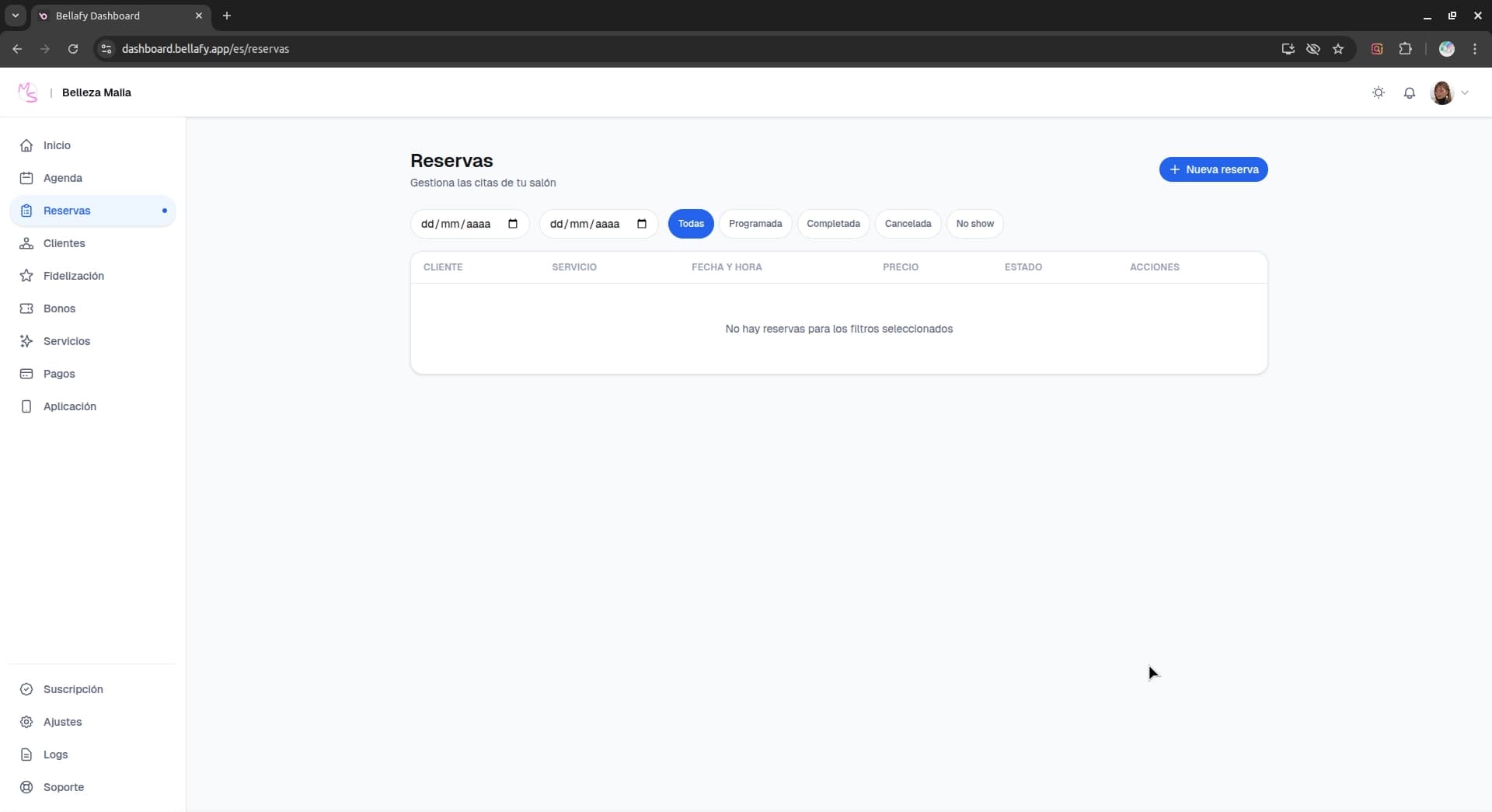
Think of the agenda as the "today" view and Reservations as the "everything" view — the archive plus the upcoming pipeline.
Filtering and searching
- Search by client name, email, or phone number.
- Filter by date range — today, this week, this month, or a custom range.
- Filter by status — confirmed, cancelled, completed, or no-show.
- Filter by service to analyze demand for a specific treatment.
- Sort any column by clicking its header.
Reservation details
Click any row to open the full details of a reservation.
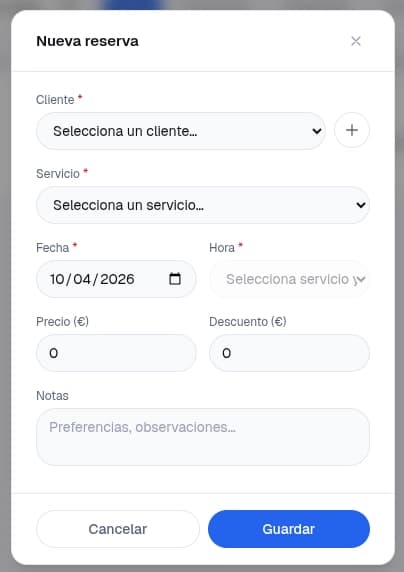
- Client: name, email, phone, and a link to their client profile.
- Service: name, price, duration, and any applied voucher or coupon.
- Payment: deposit amount, total paid, and Stripe transaction reference.
- Notes: anything the client wrote at booking time, plus any internal notes you add.
- History: the timeline of events — booked, confirmed, deposit paid, reminder sent, cancelled, refunded.
What you can do
- Reschedule — move the reservation to a different date or time. The client is notified automatically.
- Cancel — cancel the reservation; the refund (if any) follows the service's cancellation policy.
- Issue manual refund — refund any amount at your discretion (requires payments enabled).
- Mark as completed — once the appointment has happened, marking it complete finalizes the record and triggers loyalty points.
- Mark as no-show — keeps the record accurate and, depending on your policy, may block the deposit refund.
Exporting
You can export the filtered list as CSV at any time — useful for accounting, monthly reconciliation, or importing into another tool. The export respects whatever filters you have active.