Payments
Accept online payments through Stripe Connect: deposits, full payments, and voucher purchases — and understand exactly what you're charged.
Last updated: 2026-04-19
Overview
Bellafy uses Stripe Connect to process online payments. This means your money flows through your own Stripe account — not through Bellafy. You remain in full control of payouts, refunds, tax reporting, and dispute handling.
Enabling payments is optional but unlocks the most powerful features of Bellafy: deposits on bookings, voucher purchases, and the loyalty coupon redemption flow.
Activating payments
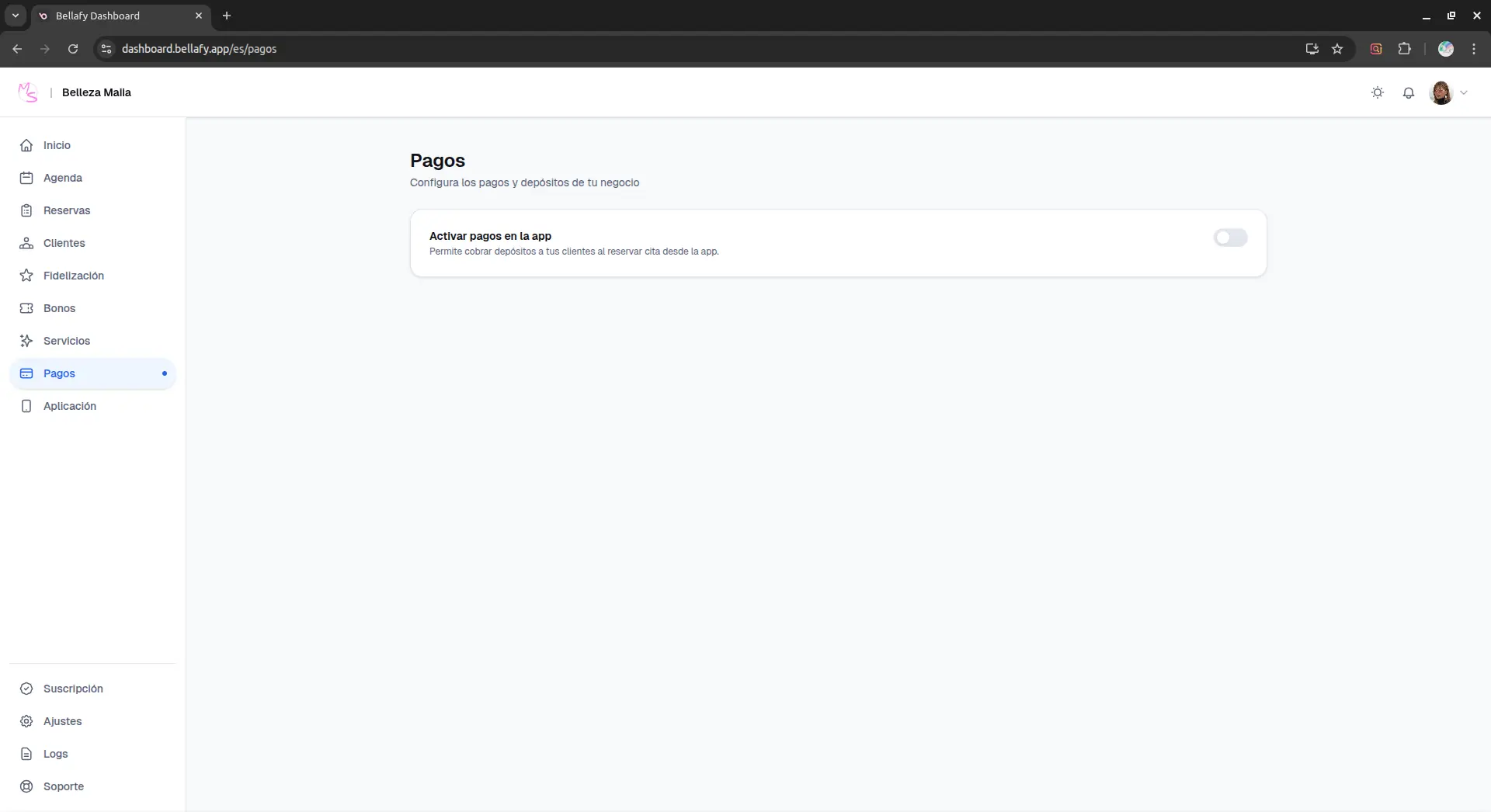
Click "Activate payments"
From the Payments page, click the main activation button. You'll be redirected to Stripe to create or connect an account.
Complete Stripe's onboarding
Stripe will ask for your business details, tax information, and a bank account for payouts. This is a standard KYC flow required by financial regulation — you fill it in directly with Stripe, not with us.
Return to Bellafy
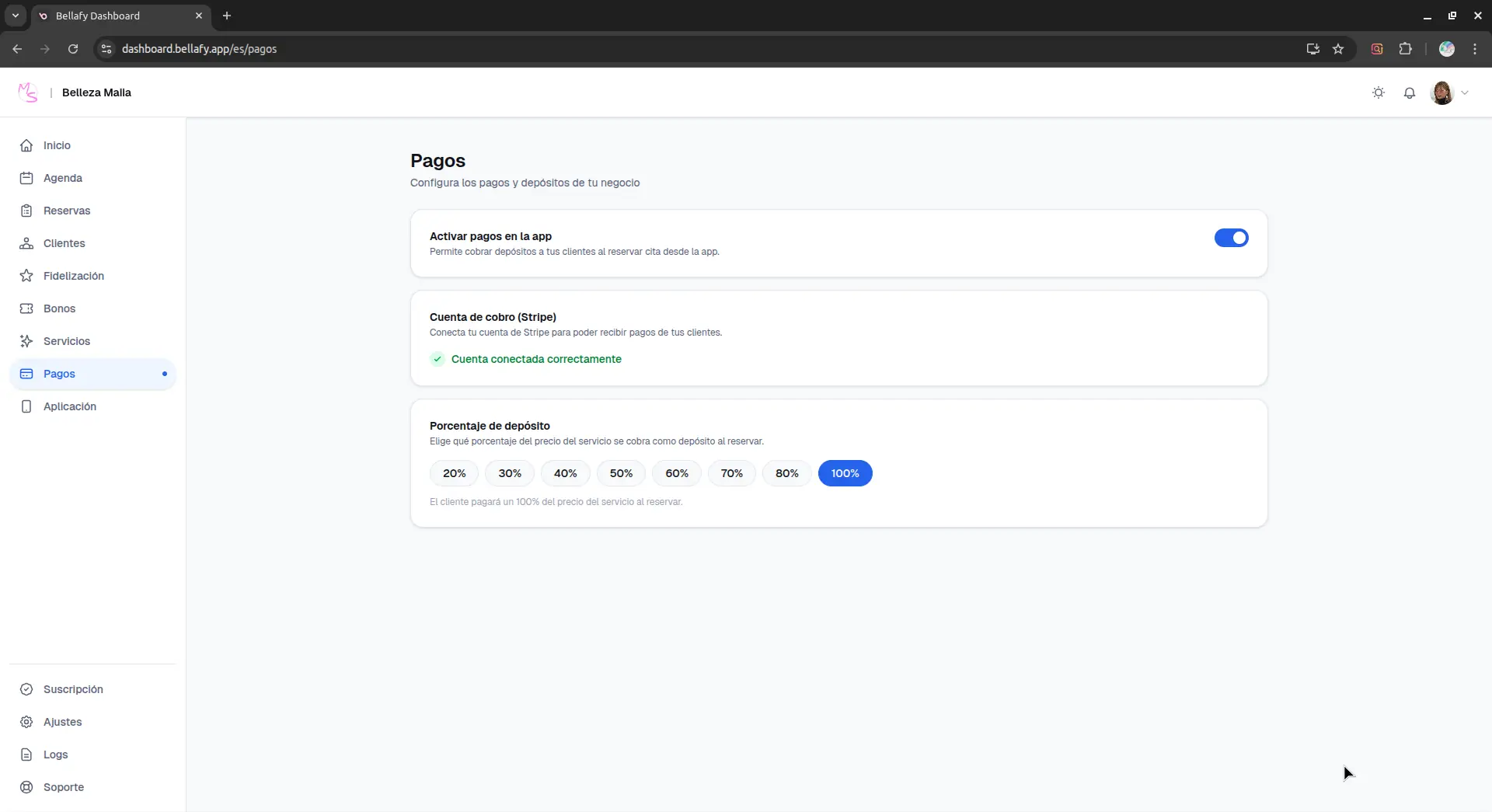
Once Stripe's onboarding is complete, you're redirected back to Bellafy with payments enabled. You'll see a green "Active" badge on the Payments page.
Fees explained
Every online payment has two fee layers deducted before the money reaches your balance:
- Stripe's processing fee — Stripe's standard rate for your country and card type (typically around 1.5–2.9% + a small fixed amount per transaction).
- Bellafy's application fee — a flat 3.49% on the transaction total, charged via Stripe Connect.
There are no hidden fees, no setup fees, and no per-booking fees from Bellafy — only the 3.49% on actual online transactions. If no payment is processed (in-person, cash, or bank transfer outside the app), Bellafy takes nothing.
What online payments unlock
- Deposits on bookings — charge a percentage or a fixed amount at the moment of booking, refunded automatically if the client cancels within your policy window.
- Full pre-payment — require clients to pay the full price upfront for specific services.
- Vouchers (bonos) — sell pre-paid packs that clients redeem over time.
- Loyalty coupons — clients can redeem earned discount coupons at checkout.
- Gift purchases — let clients buy a voucher as a gift for someone else.
Refunds and disputes
Refunds issued through Bellafy (automatic on cancellations within policy, or manual from a reservation) are processed immediately through Stripe. Bellafy's 3.49% on the refunded amount is returned to you, but Stripe's processing fee is not refundable — this is a Stripe policy that applies to all platforms.
Disputes (chargebacks) are handled entirely by you through your Stripe dashboard. Bellafy does not mediate disputes between you and your clients, but we're happy to provide any booking records Stripe requests as evidence.
Payouts to your bank account
Stripe pays out the balance in your connected account to your bank on a rolling schedule — daily, weekly, or monthly, depending on your country and Stripe's defaults. You control this schedule directly from your Stripe dashboard.
Turning payments off
You can disable online payments at any time from the Payments page. Existing bookings with deposits already taken are unaffected. New bookings will be created without deposits, and voucher purchases and coupon redemptions will be disabled until you re-enable payments.